
Features
Everything a small builder runs in a day
One page for your entire business — live jobs, margins, schedules, trades and client comms — with an AI layer that drafts the routine work and waits for your OK. Built to replace ServiceM8, BuildXact and the spreadsheet.
Dashboard
Start the day already across it
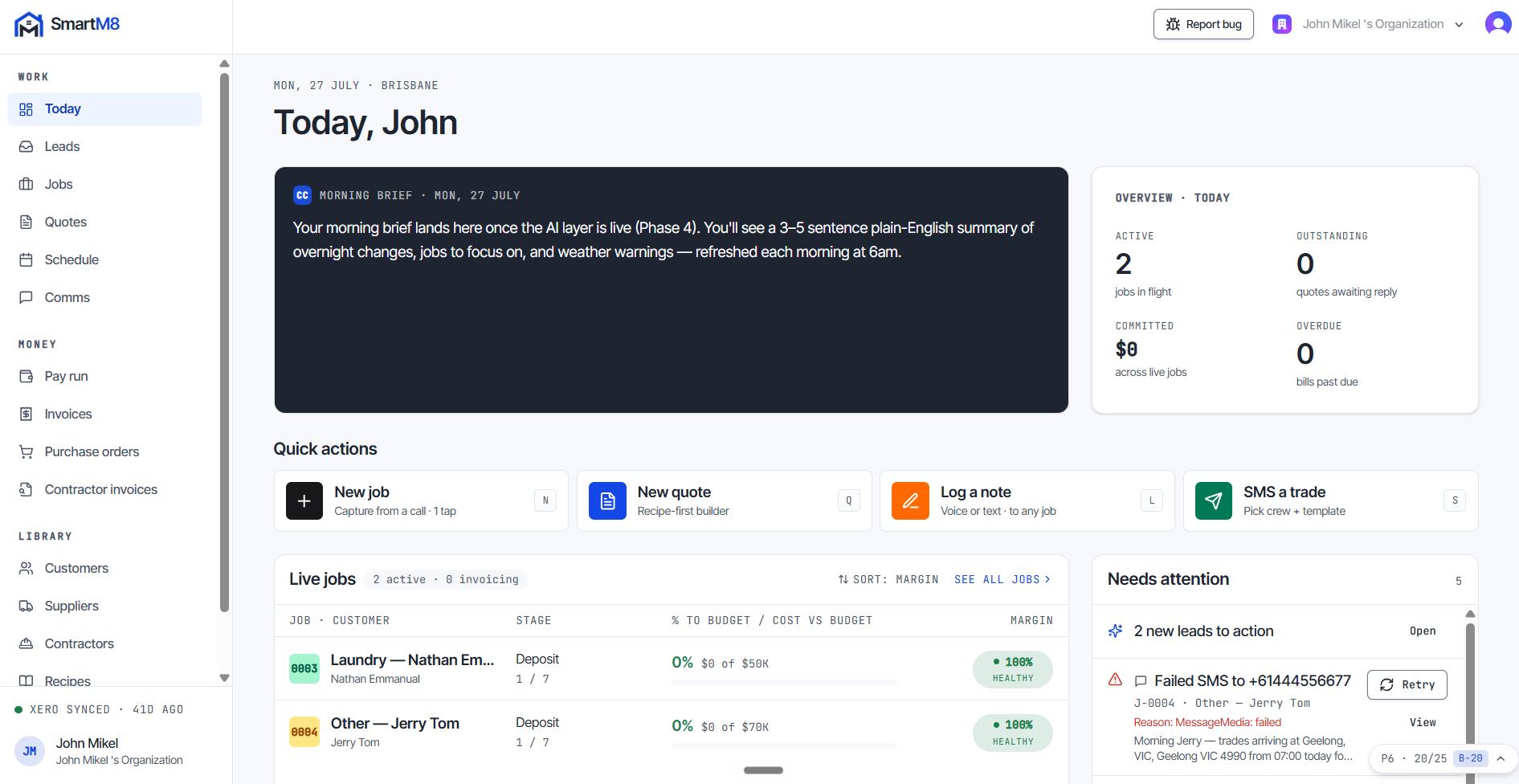
Open the app and the whole business is on one page — live jobs, today’s schedule and anything that needs attention. No digging, no tabs, no spreadsheet.
In this module
- Live jobs with percent-of-budget and a green, amber or red margin indicator.
- Today’s schedule and a needs-attention list, together on the same page.
- AI morning briefing, rolling out now — three to five plain-English sentences on jobs, crews, margin moves and new leads before the day starts.
- Quick actions on the spot, so you can deal with things — not just read about them.
Jobs
See the margin while you can still fix it
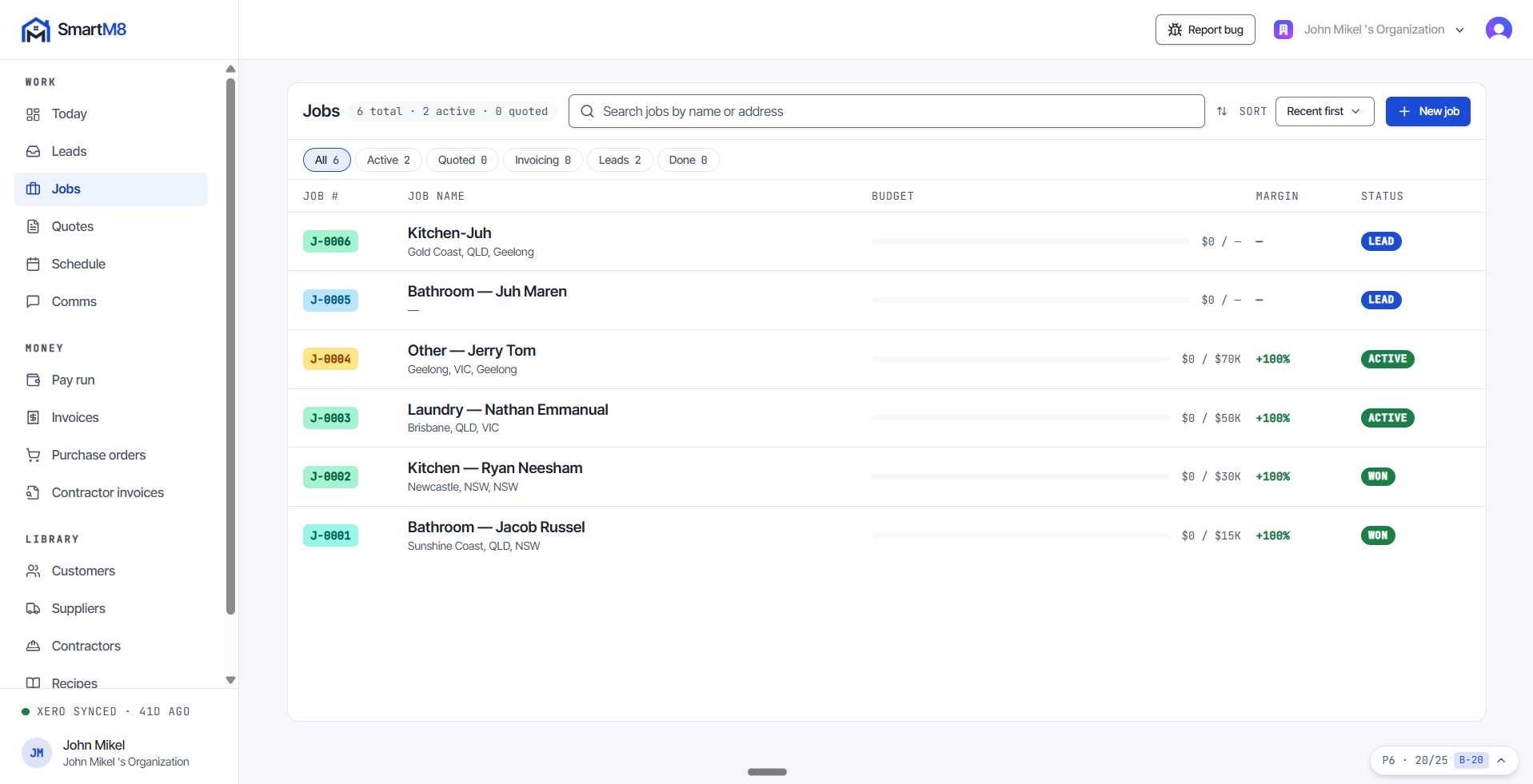
Most builders find out what a job made after it finishes. SmartM8 puts money on every screen, so you spot a margin slipping while there is still time to act.
In this module
- Every job tracks budget, committed, actual and margin % — always one glance away.
- Staged progress payments with a default seven-stage template, from deposit to practical completion.
- Variations tracked against the job — not lost in a text thread.
- Margin bands you tune to your own targets — green, amber and red, with defaults of green above 25% and red below 15%.
- The full lifecycle in one place: lead, quoted, won, active, invoicing, complete.
Customers & Leads
Leads land in the system, not in your voicemail
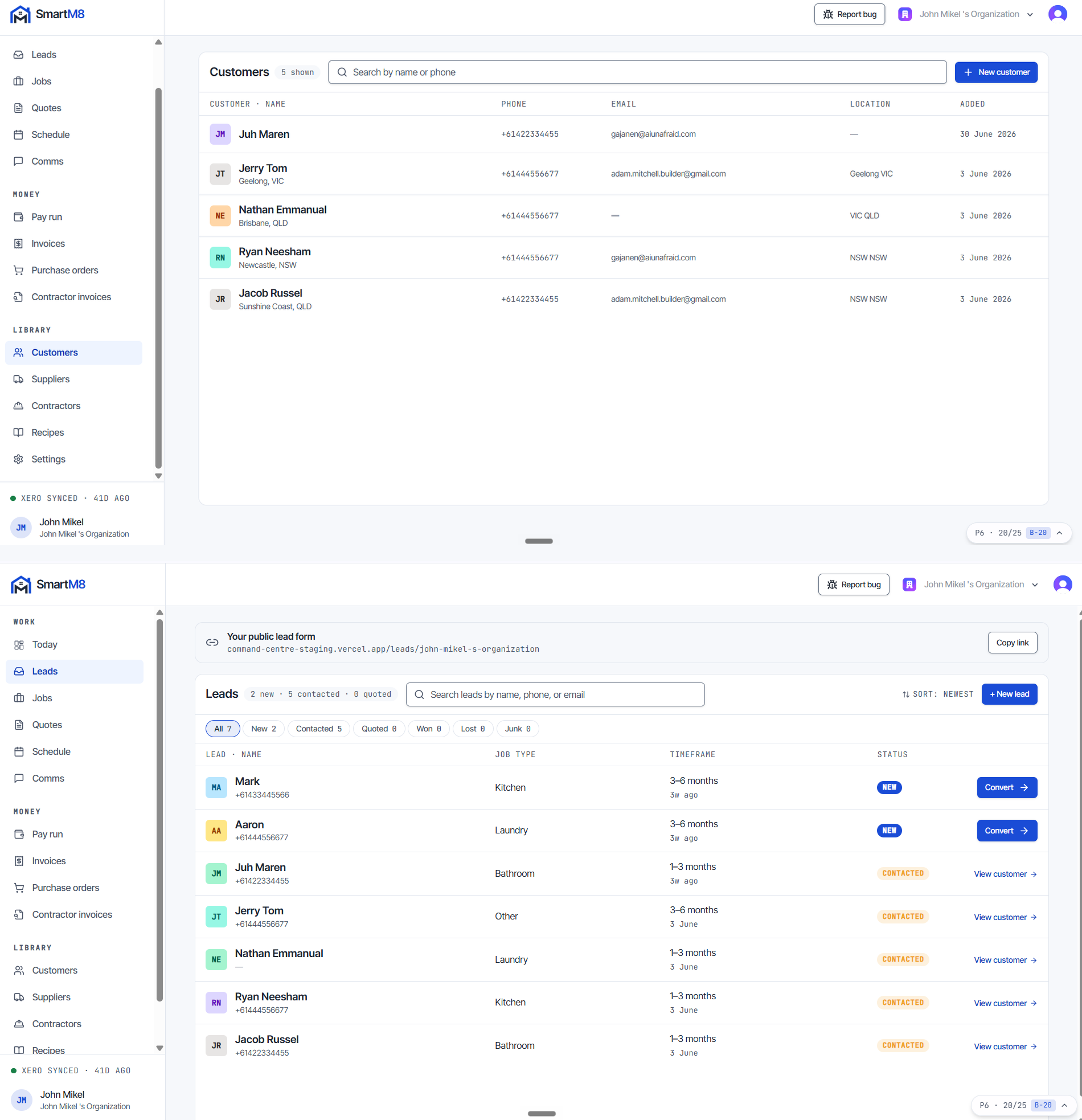
A missed enquiry is a lost job. Give every lead a branded form to land in, get a text the moment one arrives, and keep each customer’s details and jobs in one record.
In this module
- A shareable public lead form URL for your business, carrying your branding.
- An SMS notification the moment a new lead lands.
- Designed so a lead becomes a customer with a job in under 90 seconds.
- Customer records with contact details and job history, all in one place.
Quotes & Recipes
Quote in minutes, not nights
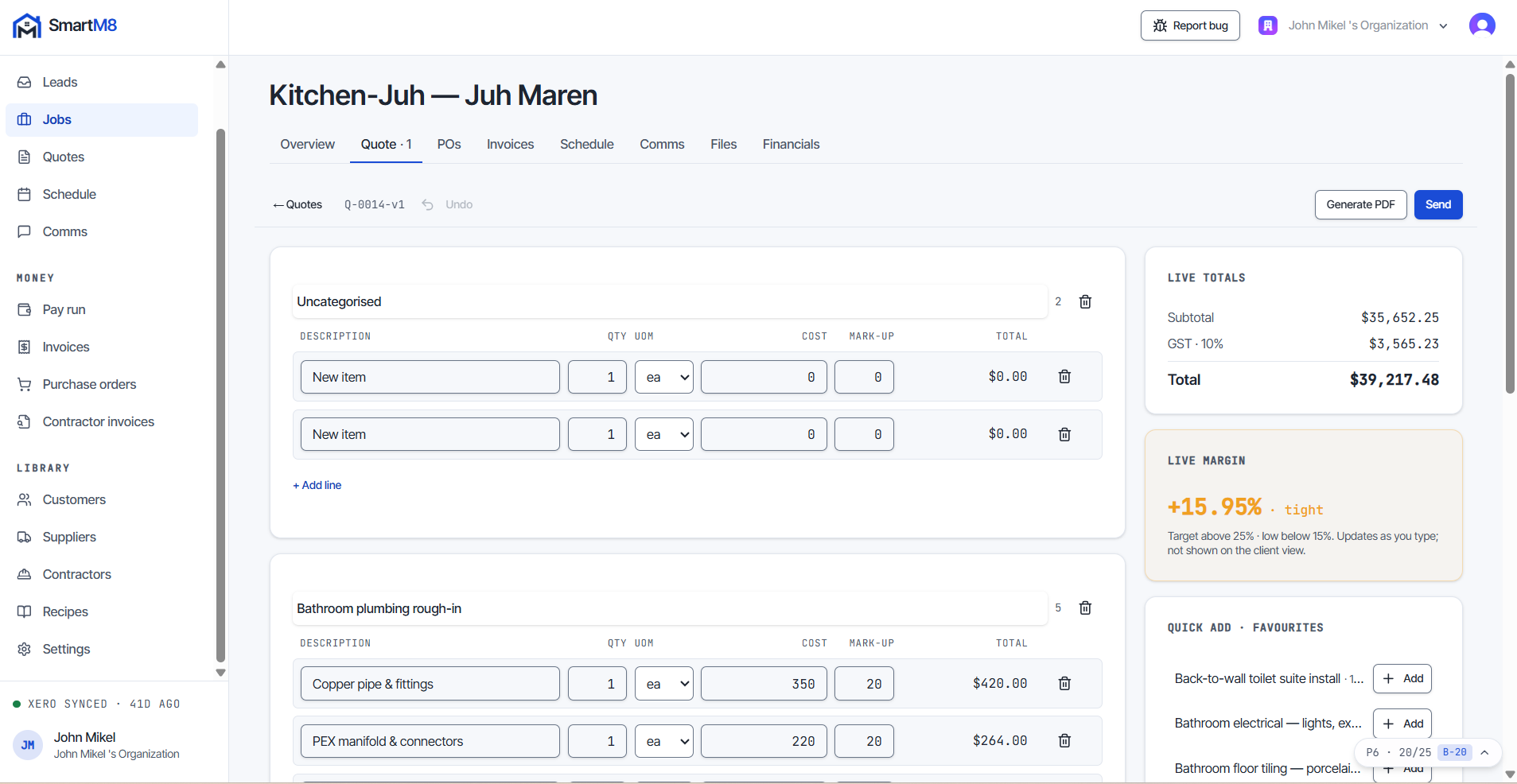
Quoting eats around ten hours a week in a small building business. Recipes — priced line-item bundles you reuse — cut that right down, and clients accept from their phone.
In this module
- Recipes are priced line-item bundles — like “Standard bathroom tiling (4m²)”.
- A starter library of 25 Australian renovation recipes: bathroom, kitchen, laundry.
- Live margin while you build the quote, with auto-save so you can pick it back up mid-thought.
- Built so a 20-line quote goes out in under 5 minutes — from your phone.
- Send by SMS or email with a PDF and a web link. Clients accept on their phone — no login, no account.
Purchase Orders
POs straight from the won quote
Win the job and the paperwork is mostly done. Purchase orders come out of the quote, not out of your evening.
In this module
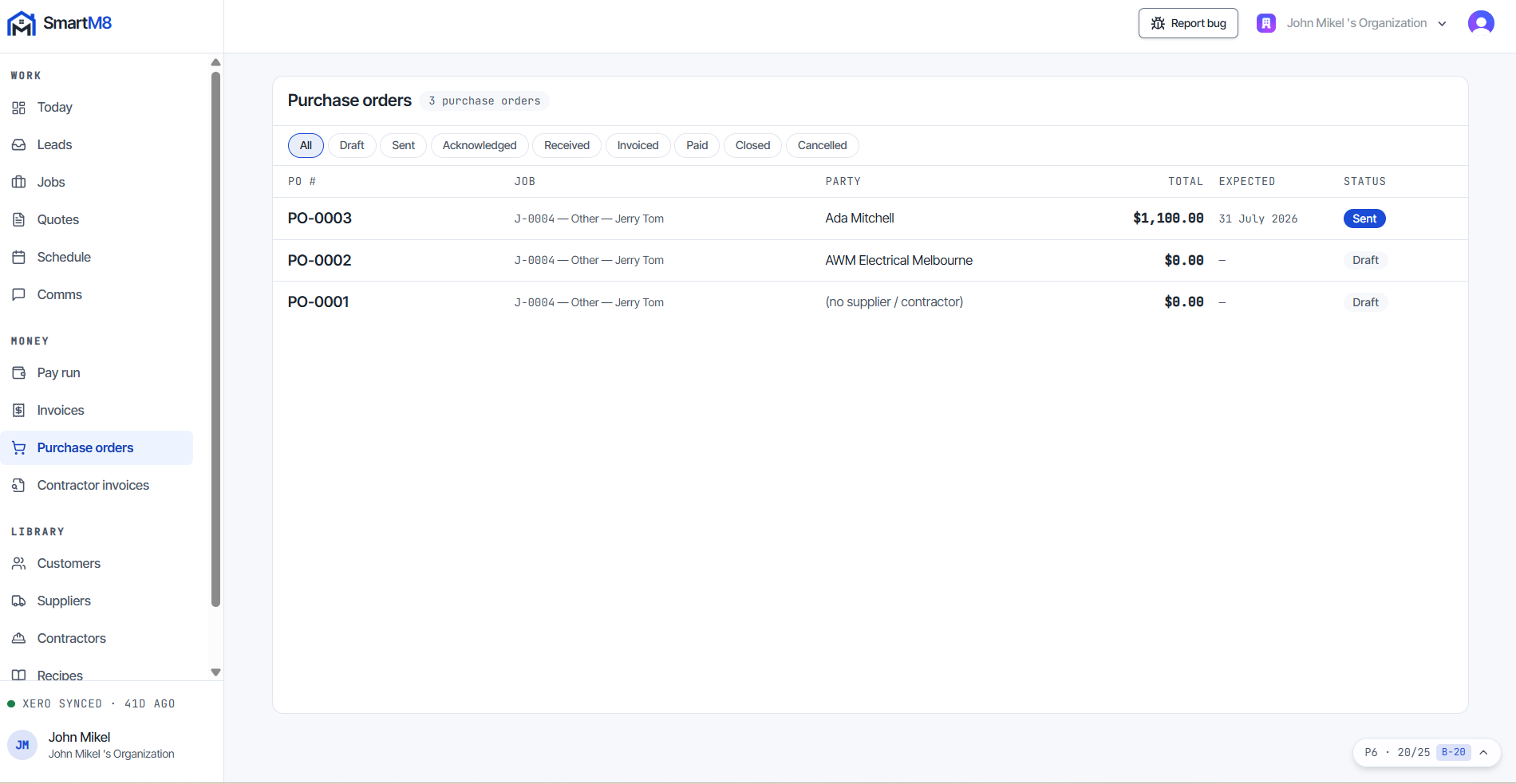
- Purchase orders generated from a won quote, grouped by supplier.
- Clean PO-0001 numbering, emailed as a PDF.
- Budget vs committed vs actual tracked automatically as each PO goes out.
Scheduling
Trades turn up because the SMS went out
“Do I have a trade on site tomorrow?” should never keep you up at night. The calendar does the chasing for you, over Australian SMS.
In this module
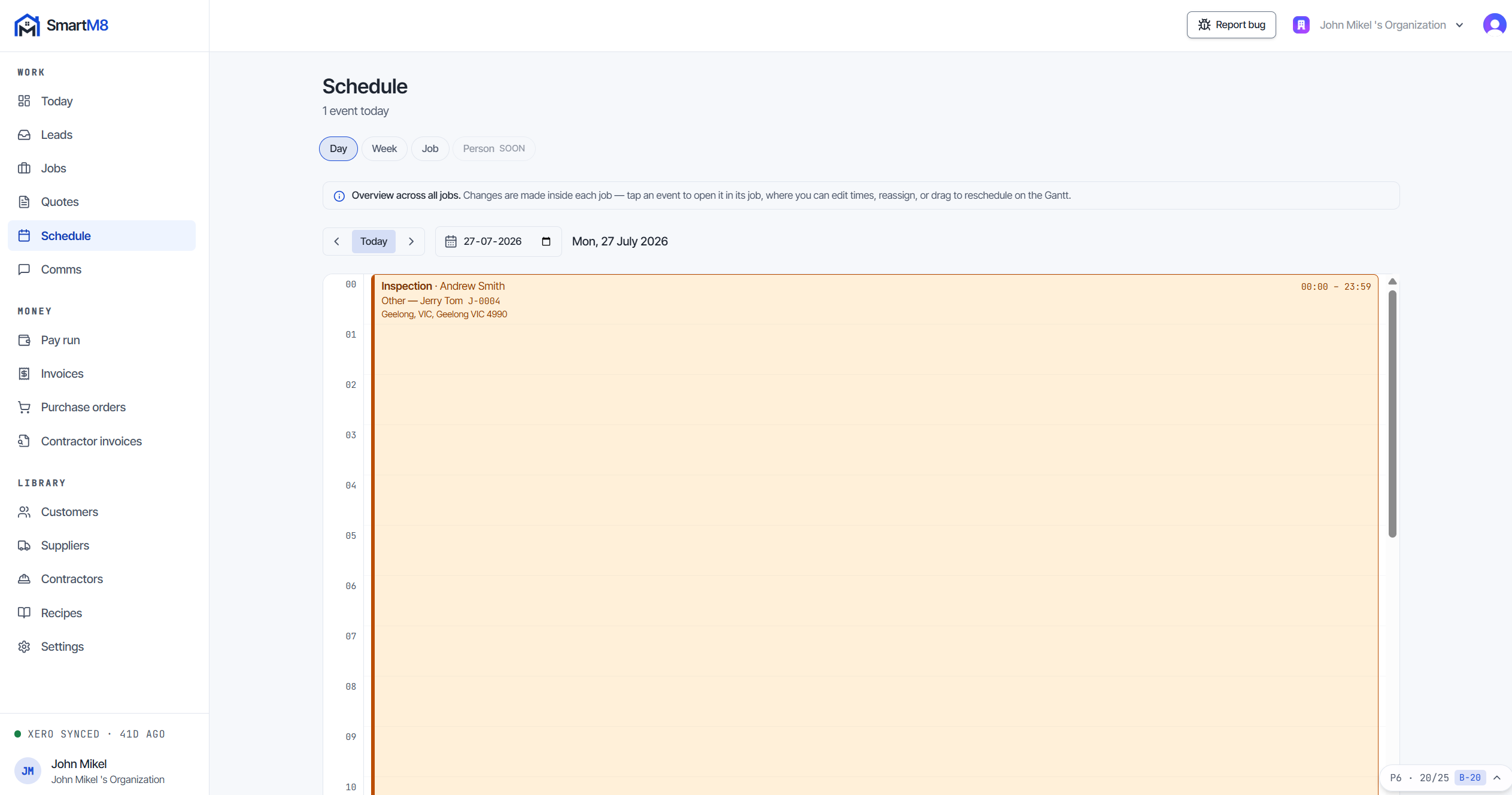
- Day, week and job calendar views.
- Automatic day-before trade reminder at 6pm — “Hi John, tiling starts 8am tomorrow at 15 Smith St.”
- 7am on-day SMS to the client, so no one is surprised by a ute in the driveway.
- One-tap “On my way” SMS from your phone.
Communication Hub
Every message, on the job it belongs to
One source of truth for what you promised and when you promised it. Nothing lives in a text thread you will never find again.
In this module
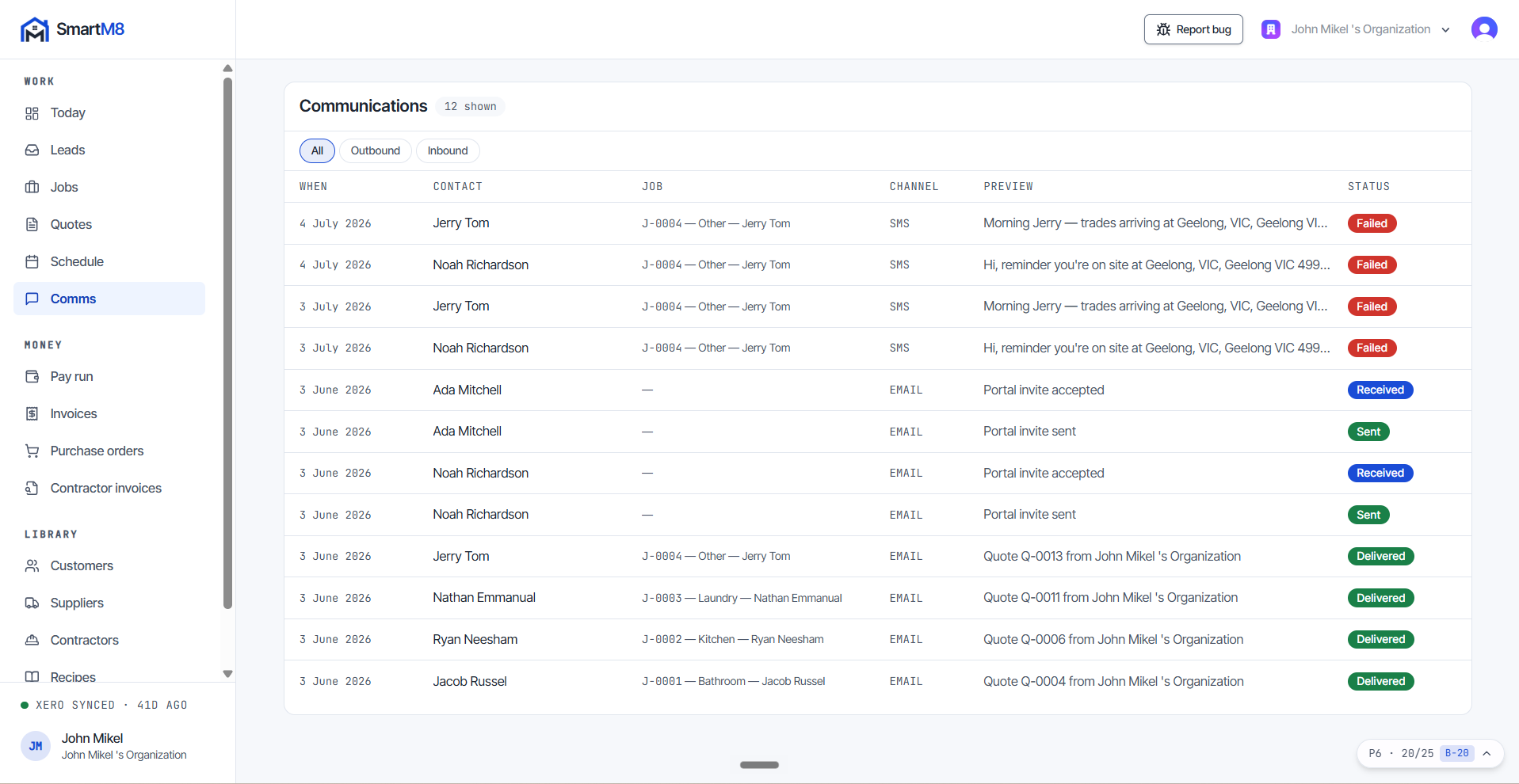
- Every SMS and email in one per-job log.
- Templates with variable substitution, so the routine messages write themselves.
- Inbound SMS routed to the right job automatically.
Contractor Pay Flow
Weekly pay that just happens
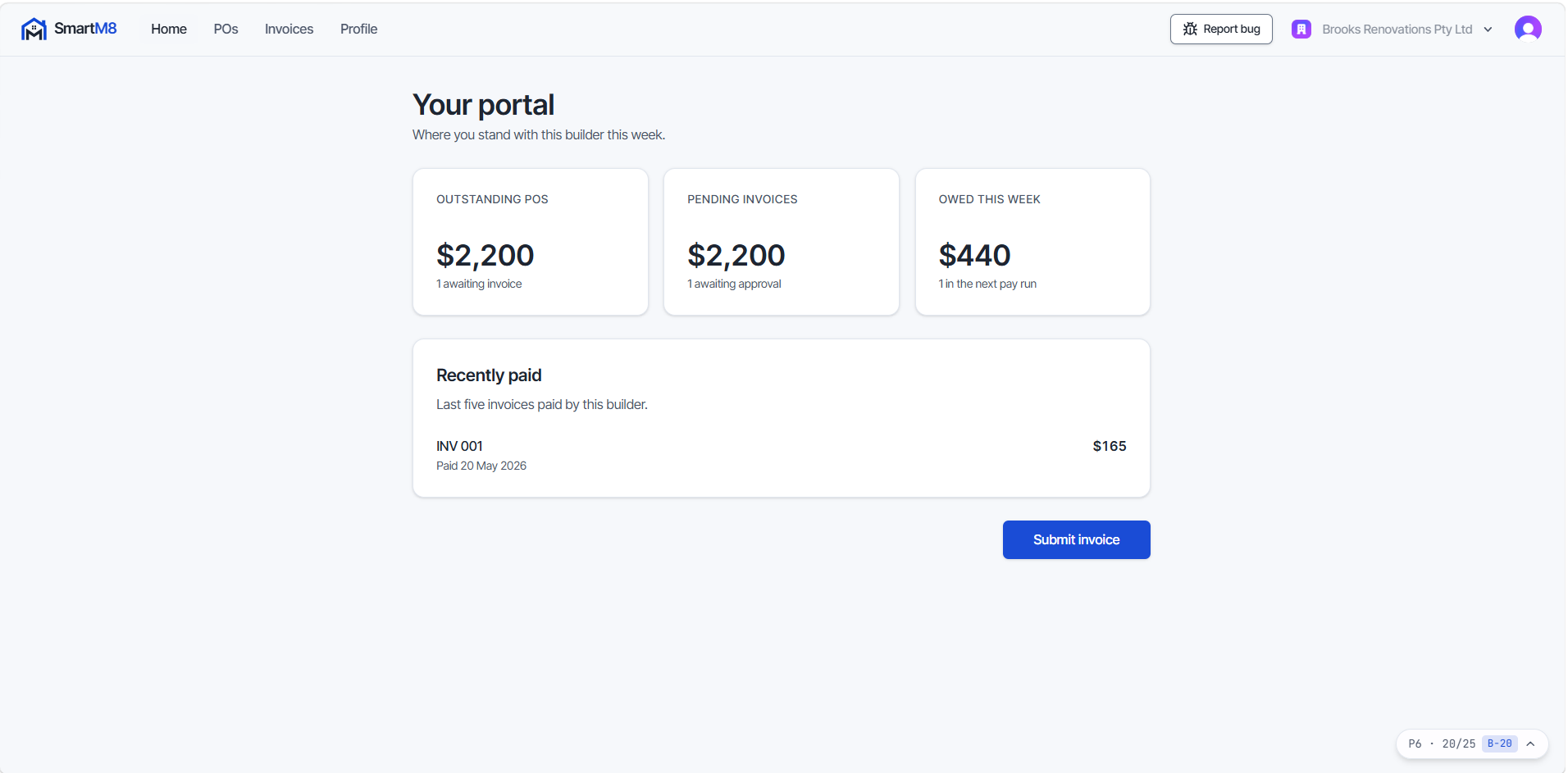
Contractors submit against their POs, you approve, and the Friday pay run creates the Xero bills in one go. SmartM8 never holds money or bank details — payment happens through Xero, where it belongs.
In this module
- Invite contractors by email — they accept the invite, sign in on their phone, and they’re in. Nothing to install.
- Built so contractors can see their POs and submit a structured invoice against a PO in under 2 minutes.
- Invoices are validated against the PO at submission — the data is clean from the moment it enters.
- You approve in seconds. The Friday pay run creates a batch of Xero bills in one go, and paid bills reconcile back automatically.
- Contractors watch the status move: SUBMITTED → APPROVED → QUEUED → PAID.
Xero Integration
Xero stays the source of truth
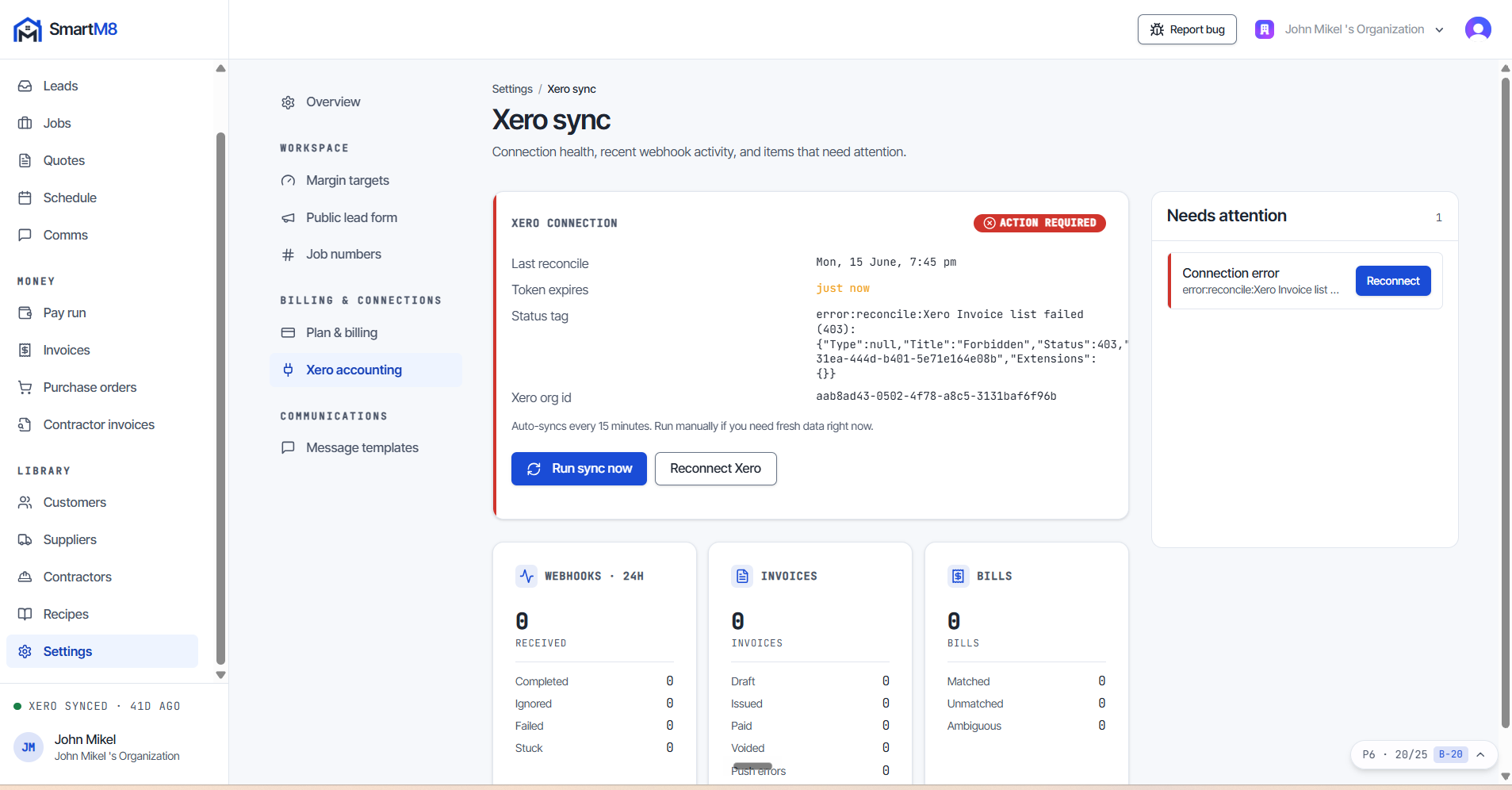
SmartM8 runs the jobs; Xero runs the books. The sync is deep and two-way, and it never overrides your accounting.
In this module
- Designed so connecting your Xero with OAuth takes under 2 minutes.
- Progress invoices appear in Xero automatically.
- Bills and payment status sync back the other way.
- Per-job tracking categories, so Xero shows profit and loss per job.
AI Layer
AI proposes. You approve.
The AI layer is rolling out now. It works like a trusted site foreman — it flags the problem and drafts the fix, but nothing goes out without you.
In this module
- Ask about any job — status, budget, margin — and have it draft the client SMS for you.
- AI scope capture: dictate the scope of works and get recipe suggestions back for your quote.
- Proactive margin alerts — “Margin slipped. Want me to draft a variation?”
- Every AI action is reviewable and reversible, and every piece of AI content is labelled.
- The product works with AI off. It helps; it never takes over.
Run your next job from one app.
14 days to see your whole business on one page. Connect Xero, load a recipe, send a quote from your phone.
Start my 14-day free trial14-day free trial · No credit card